In progress · 2026
Recall for Mac
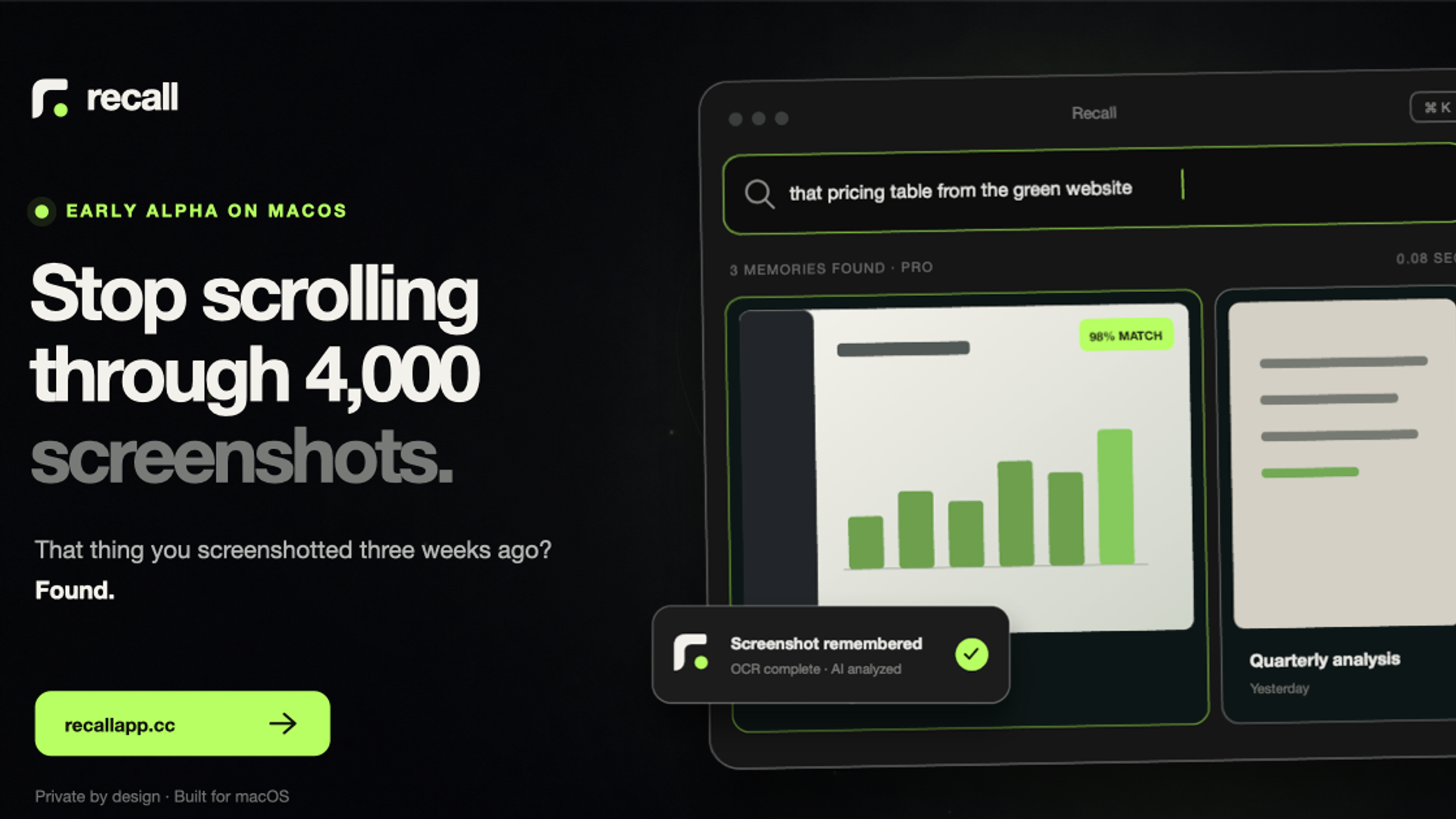
A private, local-first Mac app that turns an overflowing screenshot folder into a searchable memory library. Recall watches new captures, runs OCR on-device, and helps bring back what you know you saved.
The screenshot problem
I take screenshots because I want to remember something. Then, weeks later, I know it is somewhere on my Mac but not what it was called or where to look. Recall started as a way to close that gap without asking people to adopt a new capture habit.
What Recall does today
Recall watches the screenshot folder you choose, imports existing and new images, reads visible text locally with Apple Vision, and indexes the useful context in SQLite. The result is a fast library that can be searched from the keyboard instead of scrolled by hand.
Working in the current macOS alpha
- ✓Automatic screenshot import
- ✓On-device OCR and full-text search
- ✓Folders, tags, notes, and bulk actions
- ✓Fast keyboard search with ⌘K
- ✓Optional AI descriptions and searchable metadata
Local first, by default
The screenshot library, OCR index, folders, tags, notes, and text search stay on the Mac. An image only leaves the device when Pro AI analysis is explicitly enabled or requested; the generated description and metadata are then stored back in the local library.
Where it is now
Recall is the project I am actively building. The core product already works as an early macOS alpha, while I prepare a signed and notarized release, tighten onboarding and privacy controls, and learn from the first small group of testers.
What comes next
True meaning-based semantic search and optional cross-device sync are on the roadmap. They are not part of the current promise yet; the useful product today is a private, fast way to search and organize the screenshots already living on your Mac.